
About
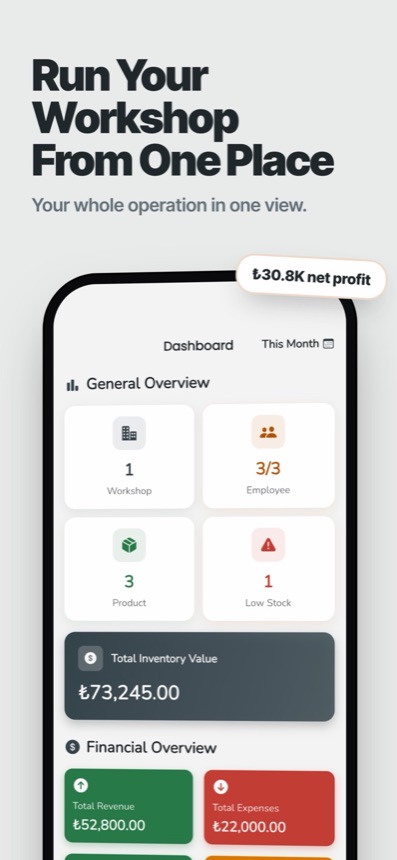
CraftTrack is a workshop management app that brings stock, production, people, sales, purchasing, equipment and finances into a single place on your phone. It is built for small workshops and manufacturers that currently run on spreadsheets, paper notebooks and memory, and want a clearer picture of what is on the shelf and what is being made.
What you can manage
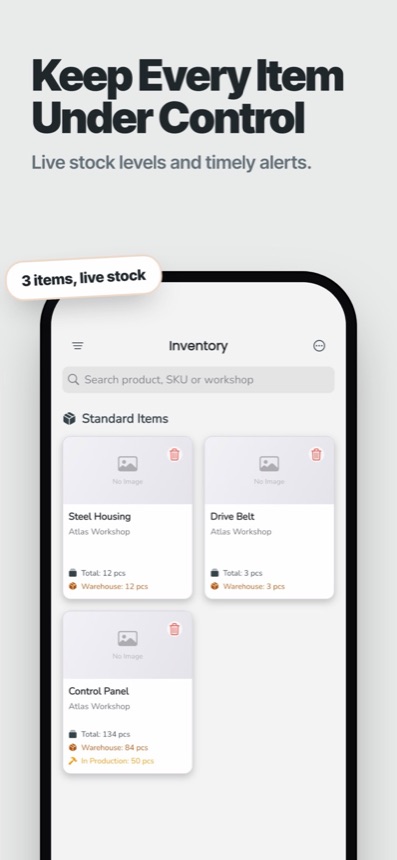
- Stock: record products and raw materials with photos, categories and suppliers, then log every stock entry and exit. Each item has a minimum stock level, and items that fall to or below it show up on a low-stock screen.
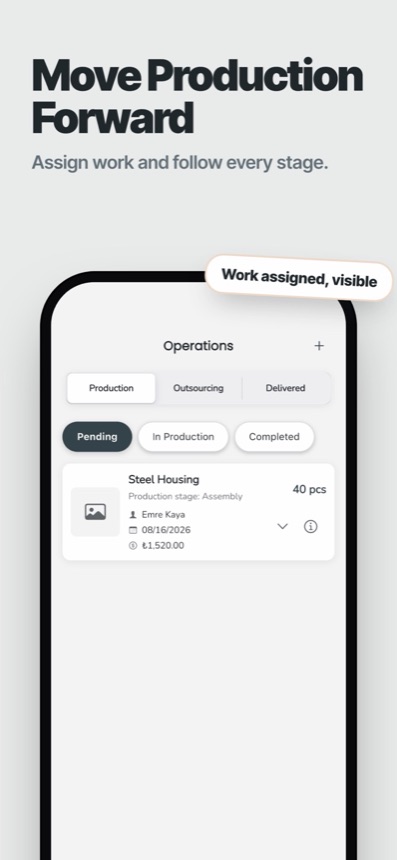
- Production: create production orders and plans, assign work to employees and follow orders from pending to in progress to completed and delivered. You can also create outsourcing orders for work done outside the workshop.
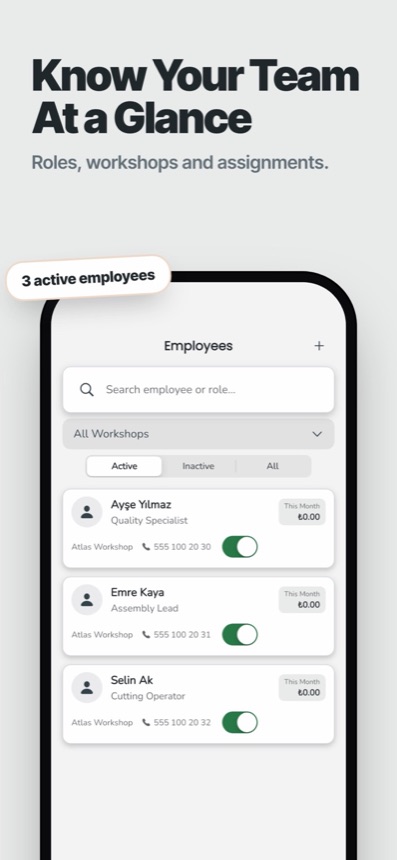
- People: keep employee profiles and assign people to a workshop. Pay can be set up as piece rate or salaried, so piece-rate work can be tied to production quantities.
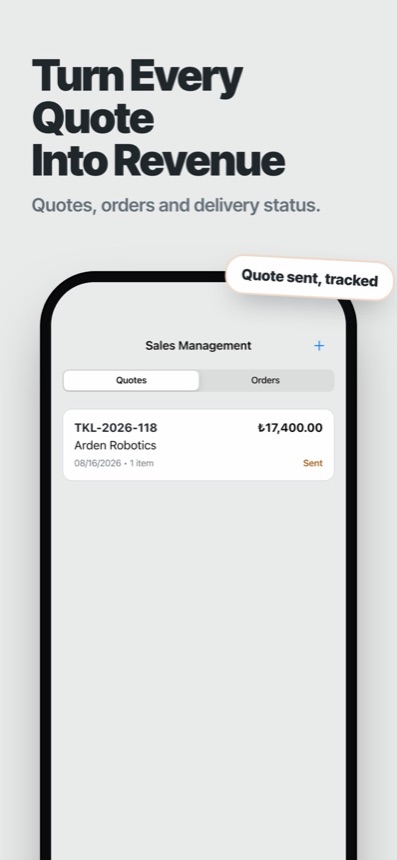
- Sales and purchasing: issue quotations, turn them into sales orders and record deliveries. On the buying side, create purchase orders and mark them as received. Customers and suppliers have their own lists.
- Equipment: register machines and other fixed assets, plan maintenance (routine, emergency, repair, spare part, calibration or cleaning) and track their condition and depreciation.
- Finances: record income and expenses, including recurring expenses, and read profit and loss and asset performance reports.
Several workshops, one account
You can create more than one workshop under the same account and define areas inside each of them, such as production, storage or office space. Categories, suppliers and positions are set per workshop, so a second site does not have to share the first one's lists.
Working with weak connections
Workshops are not always well connected. CraftTrack keeps some business records on the device so you can keep working offline, and changes are synced to the cloud when the connection returns. The app shows when you are offline.
Languages and currencies
The interface is available in Turkish and English. Amounts can be shown in eight currencies: Turkish lira, US dollar, euro, British pound, Swiss franc, Canadian dollar, Australian dollar and Japanese yen.
Who it is for
CraftTrack suits furniture makers, sewing and textile workshops, small factories and similar businesses that make, store and sell physical goods. It is not accounting or tax software, so it does not replace your accountant.
CraftTrack
Stock, production and sales for workshops
- Genre
- Workshop manager
- Platforms
- iOS, Android
- Live stock levels
- Low-stock alerts
- Multiple workshops
Help and legal
Questions
- What is CraftTrack used for?
It is used to track stock, production orders, employees, sales, purchases, equipment and finances for a workshop from a phone.
- Does CraftTrack warn me when stock runs low?
Yes. You set a minimum stock level for each item, and items at or below that level are listed on a low-stock screen.
- Can I manage more than one workshop?
Yes. You can create several workshops under one account and manage each with its own areas, categories and suppliers.
- Does it work without internet?
Some records are kept on your device so you can keep working offline. Changes sync with your account when you are back online.
- Which platforms and languages does it support?
CraftTrack is available for iPhone and Android, in Turkish and English.
- How do I delete my account and data?
Email support@hecteria.com from the address linked to your account. Deletion requests are processed within 30 days.


